
Cheap Landing Page Builders: What You Give Up
A cheap landing page builder can be enough. See what the low price covers, what it leaves out, and how to test whether missing follow-up is costing you leads.

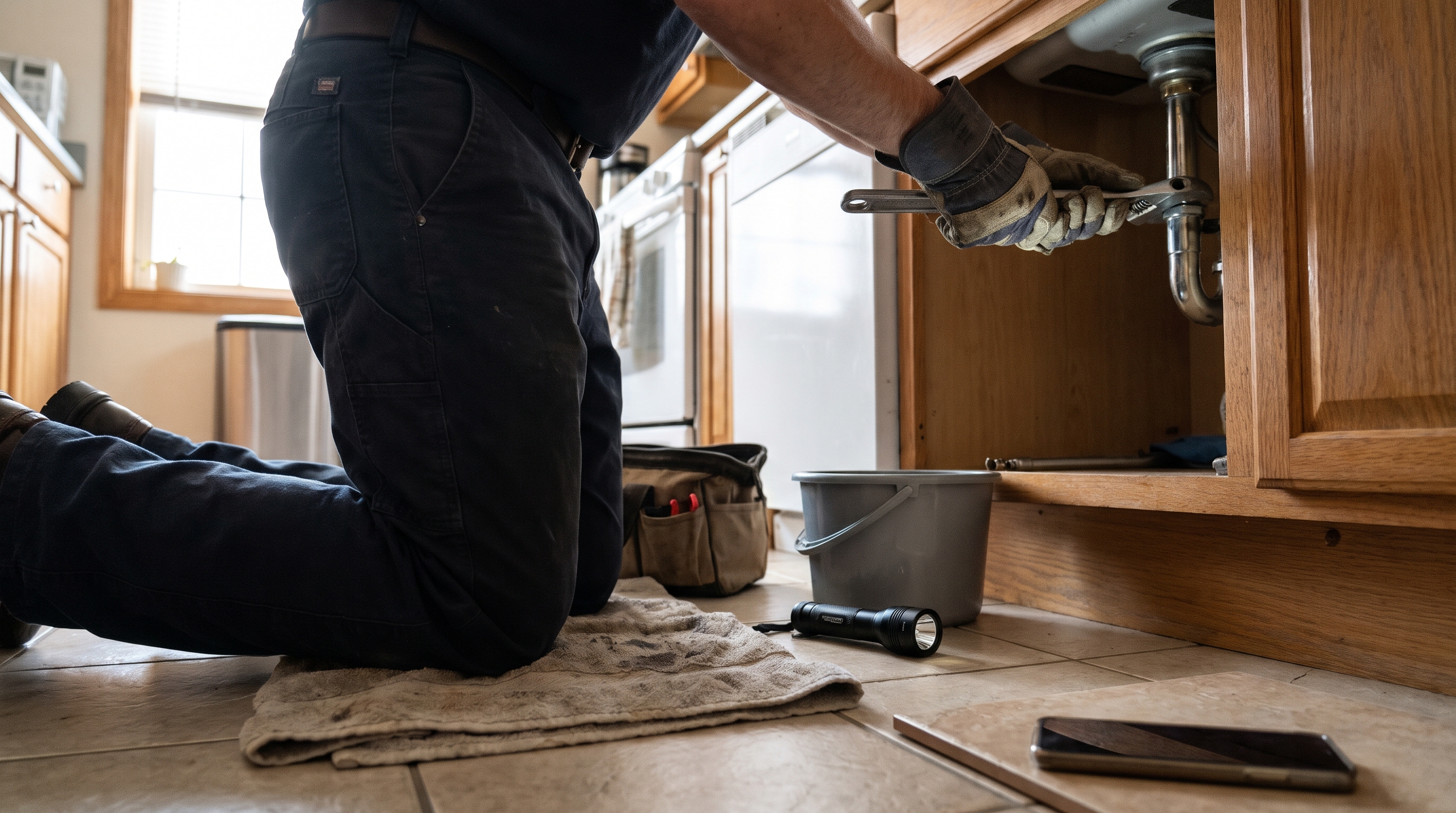
Picture a Tuesday. You're under a sink or standing with a customer, and your phone buzzes with a form notification you won't open until tonight. By then the person who wrote to you has already called someone else. The price of the page is rarely what hurts in a case like that.
If a real agency feels out of reach, a cheap page is a sensible place to start. Sometimes a $9 or $19 a year page is exactly the right call. Sometimes the missing pieces around it cost you more than the plan ever saved.
When is a cheap landing page builder enough?
It's enough when you can personally watch the page. That means one offer, one form or phone number, and a flow of inquiries small enough that you see each one the day it arrives and reply within the hour.
That describes a lot of businesses in their first year of traffic. You don't need a pipeline for five leads a week. You need a page that loads, says one clear thing, and sends you an email you'll actually read.
The trouble starts when the page works. More inquiries come in while you're on a job site, and the notifications pile up unread. The page hasn't failed at that point. The setup around it has.
What do cheap plans actually include?
The plans differ more than the word "cheap" suggests, and the limits are printed on each plan.
| Plan | Price printed by the reviewer | What the reviewer lists |
|---|---|---|
| Carrd free | Free to try | Softr says limited features on up to three sites, and Readdy says the free plan includes Carrd branding |
| Carrd Pro Lite | $9/year | Softr lists 3 sites, no Carrd branding, unlimited elements, and premium templates |
| Carrd Pro Standard | $19/year | Softr lists 10 sites, custom domains, forms, widgets, embeds, and Google Analytics |
| Heyflow Startup | $29/month on annual billing | Heyflow lists 1 custom domain and 20,000 visitors a month |
Forms, custom domains, and Google Analytics show up on the $19 a year tier, not on the $9 one. That's still very cheap. Even so, none of the lines in that table mention a reply to the person who filled in the form, or a list of who is waiting on you. Those pieces sit outside the page, and you'd build them yourself or buy them separately.
What does the low price leave out?
The low price leaves out what happens after someone submits the form. Heyflow, a builder that sells its own product, puts it this way in its comparison: "The six builders below differ most on what happens after the visitor arrives." You should weigh that as a vendor's view. It still matches what we see in owners' setups.
Tracking comes first. Without analytics you can't tell whether the page, the ad, or a referral is producing inquiries, so you keep spending and never learn which part to keep.
Then there's the reply. A form that sends one email to one inbox depends on you being at your phone, and when you aren't, the lead waits. A person who just asked for help usually asks the next business too.
Last, you need somewhere to count. When leads live only in an inbox, you can't see who got a quote, who went quiet, and who needs a nudge. A simple pipeline fixes that, and most cheap setups skip it. We cover how the pieces connect on our marketing systems and automation page.
Does a better page fix a missing follow-up?
No, because they solve different problems. The page gets someone to ask. The follow-up decides whether the ask turns into a conversation.
Even so, it hints at something simple. Most visitors leave without acting, so each person who does fill in your form deserves a fast, personal reply.
We wrote about this gap in why leads slip through after the form. It's also why we say the tools aren't usually the problem, as in your marketing tools are not the problem.
How do you decide between cheap and connected?
Look at what a missed lead costs you, and set that beside what the page costs. A $19 a year page that loses you one good customer has cost you far more than $19. We can't tell you how much more, because we don't have a sourced figure for what a lost lead costs a business like yours. Your own number is better anyway.
Start with your average job or sale. Then count how many inquiries a month you can't answer within the hour. Multiply the two, and you've got a rough price for staying cheap.
Note that a $29 a month builder doesn't solve this by itself. It's still a page builder, and what you connect to it decides whether leads get answered.
| Your situation | A cheap builder is probably enough | Add follow-up before you add traffic |
|---|---|---|
| Inquiries per week | A handful, all answered by you | More than you can reply to the same day |
| Where leads live | One inbox you check constantly | Inbox, phone, and DMs, with no single list |
| Ad spend | None, or a small test | Real money going to the page |
| What you know about results | You can name where each lead came from | You guess |
If most of your answers land in the right-hand column, the next dollar belongs with the reply and the pipeline, not with a fancier page. If you're in the left column today, keep the page cheap and keep your money.
Can you add follow-up without buying a system?
Yes, up to a point. A cheap setup can carry a surprising amount if you decide the routine ahead of time.
Send form notifications to your phone, not just to an inbox you open at night. Write one short reply you can send in thirty seconds, and keep it saved where you can find it. Keep a plain list of every inquiry with a date and a status. None of that costs anything, and it will show you quickly whether the volume is manageable.
The routine breaks when you're busy, and a busy week is exactly when leads arrive. That's the signal that you've outgrown it. You don't need to panic. You do need to decide whether to hand the replies to a system or hire help before more leads go cold.
What are the common mistakes with cheap builders?
The most common mistake is treating a live page as a finished system. A page is a front door, and if nobody's behind it, people knock and walk away.
Owners also put three or four asks on one page, such as call, email, download, and follow on social. That splits attention. Pick one action and make it obvious. Our piece on what makes a landing page great goes through how to choose it.
Sending paid traffic to a page with no tracking is another one. If you pay for clicks, decide first how you'll know which ones became customers.
Choosing on price alone, in either direction, is the last. A paid tool with features you'll never connect is wasted money, and a free one that costs you leads is worse. We looked at the free end in Carrd free landing pages: when they're enough. That article isn't against Carrd. It's about knowing the limit.
What if I can't afford a real agency?
Then start with the plan, not the build. You don't need to buy a full system to find out what you're missing. A strategy conversation can tell you whether a cheap page and a simple reply routine will carry you for now, or whether a connected setup is worth the cost.
That's how we work too. Strategy comes before any tool, which is why our digital strategy work starts before a page is built. To see how pages and follow-up fit together, read our websites and funnels page. Our guides on marketing landing pages that turn visitors into leads and lead magnet landing pages cover the page itself.
FAQ
What is the best free landing page builder?
There isn't one best choice, because it depends on what you need the page to do. Carrd is a common pick for a simple one-page site. Check each free plan's limits on forms, domains, and analytics before you commit.
Is a free landing page enough for a small business?
It can be, if you have one offer and you answer every inquiry yourself. Free plans are limited, so check them for forms, custom domains, and analytics. Once you run ads or get more inquiries than you can answer the same day, you'll want tracking and automatic replies.
How much should I pay for a landing page builder?
We don't have a sourced market price to give you. A better question is what the page connects to after someone submits the form.
Do I need a landing page builder at all?
Not always. If you have a website that can carry one clear offer and a working form, a separate builder adds little. A builder helps when you want a focused page for one campaign, with its own form and its own numbers.
What should you do today?
Open your landing page and submit your own form with a personal email address. Time how long it takes for a reply to arrive, check whether the lead shows up anywhere you could count it, and note who got alerted. If any of those three is missing, that's the first thing to fix, and it's cheaper to fix than a new page.
If you'd like a second set of eyes, book a strategy session and bring what you found. We'll tell you honestly whether a cheap setup is enough for where you are. You run the business. We run the engine.
Keep reading

Service Landing Page Best Practices for Owners
Seven steps for a service landing page that gets the form filled and the lead answered: one offer, a short form, a booking link, and tracking. For busy owners.

Carrd Free Landing Pages: When They're Enough
A free Carrd landing page works for a simple offer. Here is what Carrd's own site says the free plan covers, and when your leads need follow-up it can't give.

HubSpot Landing Page vs Website Page: Which to Use
A landing page asks for one action. A website page helps people find their way. Here's how to choose, and how HubSpot treats each one in reports and sitemaps.